If you searched for “vzero ai,” you were probably looking for v0, the interface-building tool from Vercel. The name is usually written with a zero, but people say “v-zero” out loud and type “vzero” into search bars. This guide covers what it does, how it works, and whether it’s worth your time.
What Is Vzero?
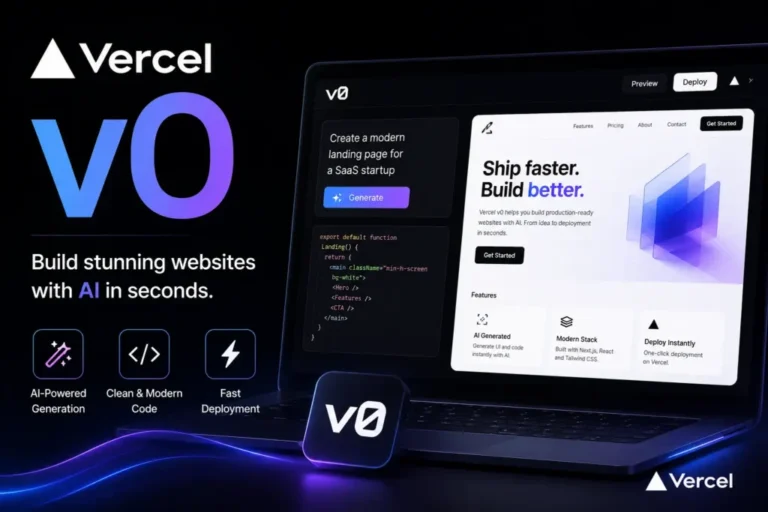
Vzero, officially v0, is a tool from Vercel, the company behind the Next.js framework. You describe what you want in plain English, and it builds a working interface for you. Ask for “a pricing page with three columns and a monthly/yearly toggle,” and you get real code plus a live preview.
It launched in late 2023 as a component generator. Since then it has grown into something closer to a full app builder, with a built-in editor, database connections, and one-click publishing.
The code it produces is mostly React with Tailwind CSS and shadcn/ui components. That matters because it’s the same stack many professional front-end teams already use, so you aren’t stuck with something odd.
How Vzero AI Works in Practice
The workflow is simple:
- Type a description, or upload a screenshot or design export.
- Review the generated preview.
- Ask for changes in plain language, such as “make the header sticky” or “add a dark mode toggle.”
- Publish to Vercel or export the code to your own project.
The back-and-forth is where it earns its keep. You rarely get a perfect result on the first try, but you can usually get to a good one in a handful of messages.
What Vzero Is Good At
It shines at the repetitive front-end work most developers don’t enjoy:
- Landing pages and marketing sites
- Dashboards and admin panels
- Login, signup, and settings screens
- Data tables and forms
- Quick prototypes you want to show a client or teammate this afternoon
A small business owner who needs a simple site can get a decent first draft in an hour. A developer can skip the boilerplate and spend time on the logic that makes their product different.
Where Vzero Falls Short
It isn’t magic, and it’s worth knowing the limits before you start.
- It’s front-end focused. Complex back-end logic, unusual integrations, and heavy business rules still need real development work.
- Longer projects get messy. As a conversation grows, results can drift. Starting fresh for a new section often works better than piling on revisions.
- Usage is metered. Bigger requests use more credits than small ones, and long chat histories add to the cost.
- It isn’t a design tool. It builds from your description. It won’t replace a designer’s judgment about spacing, branding, or user flow.
Is Vzero Free?
There’s a free tier with a small monthly credit allowance, which is enough to try it and build a few small things. Paid plans add more credits and team features. Vercel has changed plan names, prices, and limits several times, and different review sites list different numbers, so check the official pricing page before you commit.
One thing to keep in mind: v0 itself and hosting are separate. Publishing a project runs through a Vercel account, and your hosting needs may call for a paid Vercel plan once a site gets real traffic.
Who Should Try It
Vzero suits you if you:
- Build with React or Next.js and want to move faster
- Run a small business or side project and need a clean site without hiring a developer
- Work on a team that needs quick prototypes to test ideas
- Already host on Vercel
It’s a weaker fit if your project is mostly back-end work, or if you need pixel-perfect output that matches a strict brand system on day one.
Tips for Better Results
A few habits make a noticeable difference:
- Be specific. “A dashboard for a gym with member count, monthly revenue, and a class schedule table” beats “a dashboard.”
- Build one section at a time. Get the header right, then move to the hero, then the footer.
- Name your style. Mention colors, spacing, or a mood (“clean, lots of white space”) early.
- Read the code before you ship it. Check accessibility, mobile layout, and anything that touches user data.
The Bottom Line
Vzero is a fast way to turn an idea into a working front end, especially if you already live in the Next.js and Vercel world. Treat it as a quick first draft rather than a finished product. Used that way, it can save hours on the tedious parts of a build. Start with the free plan, build one real page, and you’ll know within an afternoon whether vzero ai fits how you work.