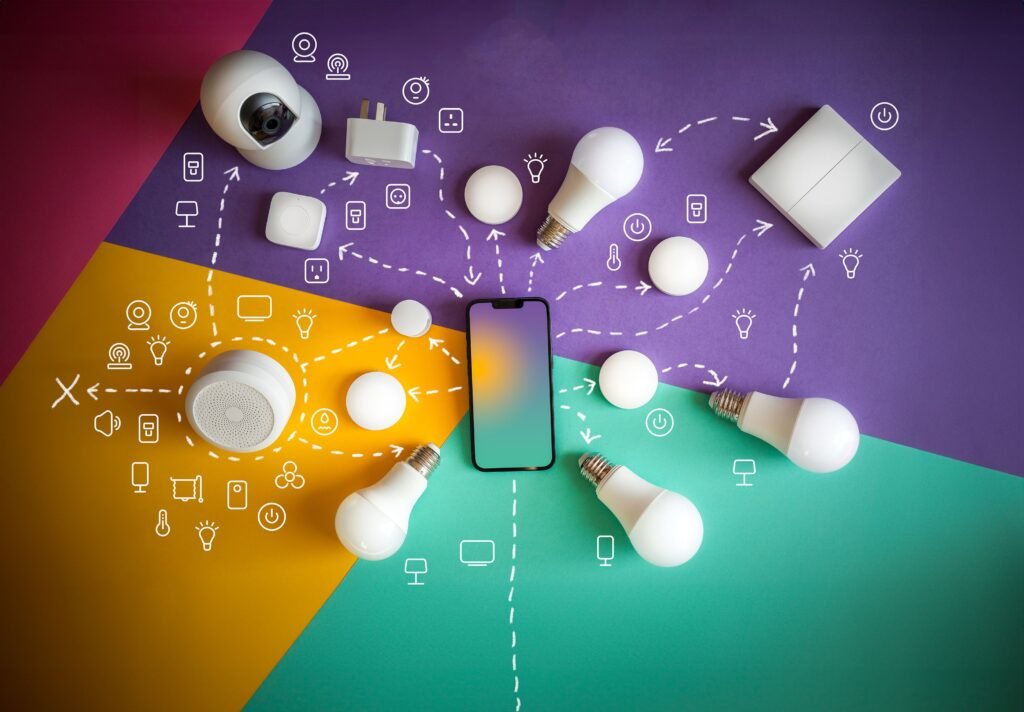
I know someone with four smart plugs, two video doorbells from different brands, and a thermostat that only half-talks to the others. Ask her to turn off the porch light from her phone and she has to stop and think about which app it even lives in. This is more common than people admit.
Nobody sets out to end up with five different smart home apps. It just happens one gadget shows up, it comes with its own app, and by the time you own five devices you’re juggling five separate logins to control one house.
At some point most people go looking for a single smart home app that can just handle everything. Not a bad instinct. The hard part is that plenty of apps promise this, and maybe half of them actually deliver it.
What separates a real smart home app from a glorified remote
A smart home app that’s actually doing its job sits above your individual devices, not next to them. It lets you control lights, locks, thermostats, and cameras from different brands in one place. It runs automations that involve more than one device — the door unlocks, the hallway light comes on, without you touching your phone. It sends you an alert that actually matters instead of forty pointless notifications a day. And it lets a partner, roommate, or houseguest control the basics without needing your personal login.
If the app you’re looking at can only manage the brand it came with, that’s not a hub. That’s just the remote that shipped in the box, dressed up with a nicer icon.
Why single-brand apps stop being enough
Using whatever app came with your first device works fine for a while. Then your setup grows and it stops working.
A few honest signs you’ve hit that wall: you open three different apps just to confirm the front door is locked. You want one action to trigger another the garage door opening should turn on the driveway light and there’s simply no way to connect the two. Notifications show up late, or twice, or not at all. Or somebody else in the house has been locked out of turning on a lamp because the account happens to belong to you.
What actually separates the good apps from the mediocre ones
Compatibility matters more than almost anything else, and it’s usually the thing people check last, if at all. Look at what your devices actually run on: Matter, Zigbee, Z-Wave, plain Wi-Fi, or some closed system the manufacturer invented for itself. Matter support is generally worth prioritizing, since it exists specifically to let devices from different companies talk to each other. Older Zigbee and Z-Wave gear will usually still need a physical hub or bridge, and that’s sometimes sold separately, so don’t assume the app alone gets you there.
Then there’s the automation builder itself. Some apps let you drag a trigger and an action into place in under a minute. Others bury the same feature three menus deep behind labels that mean nothing until you click them. Build one automation before you commit to anything else, not after.
Worth asking, too: what still works if your internet goes down? A wall switch that stops functioning the moment Wi-Fi does isn’t really a switch anymore.
And check what’s genuinely free versus what quietly turns into a subscription. Camera storage past a few hours is a common one to find locked behind a paywall nobody mentioned during setup.
One more thing, easy to overlook: how simple is it for someone else in the house to get added as a user? If that takes fifteen minutes and a call to support, it tells you something about how the rest of the app was built.
A few reasons to just close the tab
- It needs a cloud connection for something with no real reason to require one, like turning on a light bulb ten feet from your router
- The reviews keep mentioning crashes or devices randomly dropping offline that’s a pattern, not bad luck
- “Premium” pricing only shows up after you’ve already created an account
- Nobody can give you a straight answer about what happens to your footage or your data
What to actually do next
Skip the next ten comparison articles. Pick the smart home app that already supports the devices you own, install it, connect exactly one thing, and try building a single automation with it. If those fifteen minutes go smoothly, you’ve got your answer. If they don’t, you’ve lost fifteen minutes not a weekend, and not your whole setup.