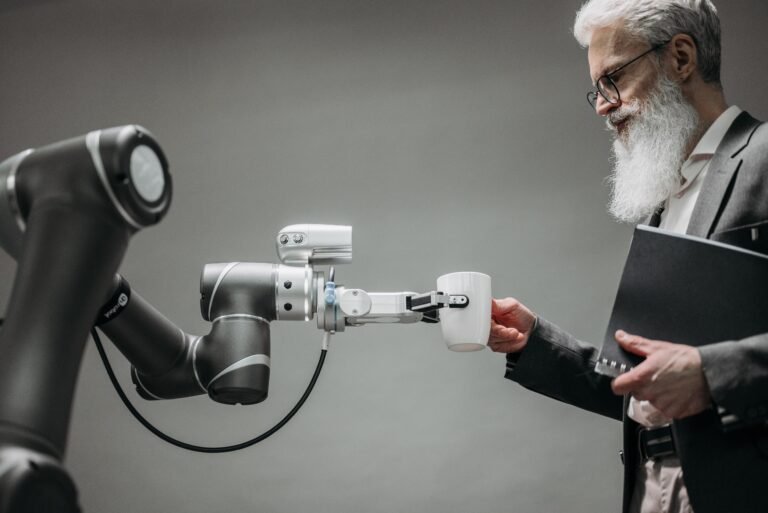
Last spring I watched a coworker spend an entire afternoon on a client summary. Two days later another person did almost the same job in twenty minutes with an AI tool. Then she spent ten more minutes fixing the two sentences it got wrong.
Nobody clapped. Nobody even noticed. But that small gap is what people mean when they talk about AI skills for the future workplace, and it has very little to do with coding.
Here’s what I’d actually focus on, in the order I’d do it.
Learn how these tools fail first
Most people start with what AI can do. I’d start with where it breaks.
It makes things up. Not often, but with total confidence. Ask for a source and it may give you a title, an author and a year, and the whole thing is invented. I’ve seen this happen in a real client document, and it was embarrassing.
So the first skill is simply a healthy suspicion. Numbers, names, dates, quotes and anything legal all get checked by a person, every time.
One more thing before you paste anything in. Find out what your company allows. Client details and internal figures don’t belong in a public chatbot, and “I didn’t know” won’t help much if it goes wrong.
Prompting is just giving a decent brief
Forget the “prompt engineer” hype. If you can brief a new coworker, you can do this.
Compare these two requests:
“Write an email about our new hours.”
“Write a short email to regular customers saying we now close at 5 on Fridays. Friendly, no corporate language, under 100 words.”
The second one works better because it tells the tool who it’s writing for, what to say and how long to take. That’s all there is to it.
Two habits help more than any template:
- Give it an example of writing you like and say “match this tone.”
- Don’t accept the first answer. Reply with “shorter” or “less stiff” or “now explain it to someone who’s never heard of this.”
The third or fourth reply is usually the good one.
Editing matters more than generating
Anyone can produce a pile of text now, so a pile of text has stopped being impressive. Telling good text from bad is the rare part.
When I review something an AI helped write, I ask myself three things. Is it true? Does it say anything specific, or just sound smart? Would I be fine if my name were at the bottom?
If the answer to that last one is no, it’s not finished. It usually takes me five minutes to fix, and those five minutes are where most of the value comes from.
Don’t dodge the numbers
You don’t need to become a data analyst. But if you still avoid spreadsheets, that habit will cost you sooner than you think.
AI can now read a messy sheet and give you a summary in seconds. It can’t tell you whether you asked the right question in the first place. And it won’t warn you when a chart is quietly misleading you, such as a cut-off axis, a tiny sample, or two things that happen together but aren’t connected.
Get comfortable enough with Excel or Google Sheets to notice when something looks off. That’s honestly enough for most jobs.
A simple way to start without burning out
Please skip the expensive course.
Pick one boring task you do every week. Meeting notes, status updates, a first draft of the same email you always write. Let an AI tool take a first pass for a month and see what happens. Some weeks it will save you half an hour. Other weeks it will waste ten minutes. Both outcomes teach you something.
A few small things that help:
- Keep a note of prompts that worked so you’re not starting from zero each time.
- Spend 15 minutes a week poking at one new feature.
- Show a teammate what you found. Explaining it out loud makes it stick.
And ignore most new apps. Half of them will be gone by next year. Get properly good at one or two.
The human stuff is not going anywhere
This part gets overlooked while everyone chases tools.
Reading the mood in a tense meeting. Calming a customer who’s had a terrible week. Knowing when the policy says one thing and common sense says another. Talking a stubborn colleague into trying something new. Software handles all of this badly, and I don’t see that changing soon.
If anything, these skills show more once the routine work gets automated. So keep working on them. They aren’t a backup plan, they’re part of the job.
So where do you begin?
AI skills for the future workplace come down to knowing the tools’ weak spots, giving clear instructions, checking everything before it leaves your hands, and not neglecting the people side of your work.