Last month a friend asked me to throw together a page for her pottery workshop. Her launch was on Friday. It was already Wednesday night. No designer, no budget, and she’d never touched code.
That’s the exact situation where learning how to use v0 Vercel for fast landing pages pays off. I’ll walk through the process I’d follow, including the parts that tripped me up.
So, What Is v0?
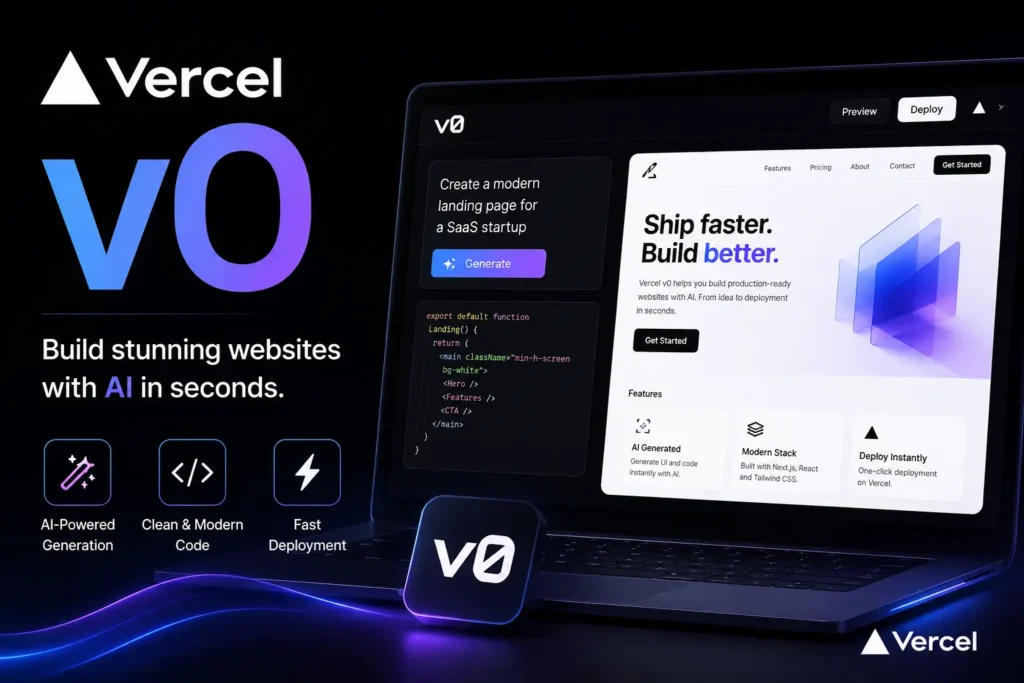
It’s a tool from Vercel. How does it work? Delete the sentence. Your next line, about editing in small steps, already shows the reader how the tool behaves. Sometimes the best fix for a flagged line is removing it. If the layout’s wrong, say so and it redoes that part. Under the hood, you’ll usually get React, Tailwind CSS, and shadcn/ui components.
Don’t expect it to think like a marketer, though. It builds what you describe. If your description is fuzzy, the page will be too.
Do the Thinking Before the Prompting
I used to skip this and open the tool right away. Bad idea. I’d end up rewriting prompts for an hour because I hadn’t decided what the page was for.
Grab a notepad and answer four things:
- What single action should a visitor take? (Book, buy, sign up. Just one.)
- Who is this person, in plain terms?
- What would make them hesitate?
- What proof do you already have? Reviews, photos, numbers.
My friend’s answers were: book a trial class, local adults who’ve never made pottery, “I’ll be bad at it,” and fourteen glowing reviews. That was enough to start.
How to Use v0 Vercel for Fast Landing Pages: My Workflow
Write one detailed first prompt
Vague prompts get vague pages. Here’s roughly what I typed:
“Landing page for a beginner pottery workshop. Hero with a short headline and a ‘Book a trial class’ button. Section addressing fear of being bad at it. Three reviews. Class schedule. FAQ. Warm, earthy colors, lots of white space. Needs to work well on phones.”
Naming the sections up front matters more than any style detail.
Look at it like a stranger would
Scroll through the preview once, quickly. Don’t judge the design yet. Just ask whether you’d understand the offer in five seconds, and whether the button is easy to find.
Change one thing at a time
This is the habit that saves the most time. If you ask for six changes in one message, v0 sometimes “fixes” a few and quietly breaks something you liked. Small requests keep things predictable:
- “Shorten the headline.”
- “Move the booking form higher.”
- “Add more space between sections on mobile.”
Replace the filler text
The generated copy is fine as a placeholder and weak as a final answer. It reads like every other landing page. Paste in your own words, especially the reviews. My friend’s real quotes, typos and all, did more work than anything the tool wrote.
[Add your own example here: what you changed, and what happened to sign-ups or clicks afterward.]
Publish
When you’re happy, deploy it through Vercel. Because the two are connected, getting from preview to a live link takes minutes. Hook up your own domain after, and test the form with a real email address before telling anyone.
A Few Prompts Worth Keeping
Some I reuse constantly:
- “Add a sticky top bar with one button.”
- “Cut anything that doesn’t help someone sign up.”
- “Check contrast and add proper labels to the form fields.”
The middle one is my favorite. Landing pages almost never fail from being too short.
Where People Go Wrong
Most people accept the first draft because it looks finished. It isn’t. It’s a decent guess.
The second problem is phones. If you only check the desktop view, you’ll miss the thing most visitors actually see. Open the narrow layout first, every time.
And one more, for non-developers: if the page collects emails or payments, get someone technical to look at how the form sends data. A page can look flawless and still lose every lead into a void. [Mention a bug or surprise you ran into, if you have one.]
Quick Checks Before You Go Live
Speed is the whole point of the exercise, so don’t undo it with a slow page.
- Compress your images. Big photos are the usual culprit.
- Give the page a clear title and meta description.
- Use one H1 and sensible subheadings.
- Write real alt text for images.
- Load it on an older phone over mobile data.
- Submit your own form. Twice.
Wrapping Up
Knowing how to use v0 Vercel for fast landing pages mostly means being decisive. Pick one goal, describe it clearly, change one thing at a time, and put your own words on the page.
My friend’s page went live Thursday night. It wasn’t perfect. A couple of spacing issues bugged me for days. But people booked, and that beats a flawless page sitting in a draft folder.